
AI in practice
When a workflow needs AI
Decide whether a task needs AI to read documents or draft replies, or whether ordinary rules will do.
By AutomateHQ · Updated · 3 min read
Before you start
Use AI when a task involves interpreting varied text or producing a draft. Use rules for exact checks and predictable handoffs. Combine both with human review when mistakes could affect people, money or customers.
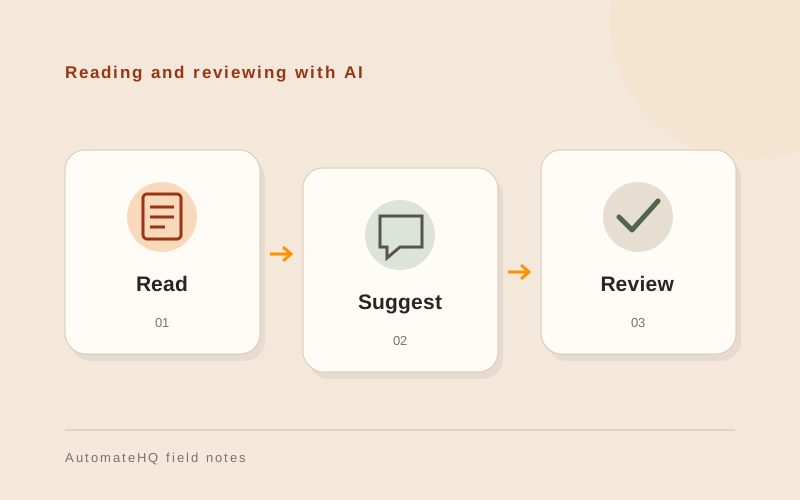
- 01Read the input
- 02AI suggests
- 03Rules validate
- 04Person approves
Separate interpretation from action
Reading an email and updating a CRM are different jobs. AI may help identify what the email is asking for, while a deterministic workflow checks required fields, finds the correct record and prepares an update. Keeping those stages separate makes the result easier to inspect.
A useful starting question is: would two trained people always follow the same written rule? If yes, a rule or integration may be enough. If the input varies and needs interpretation, an AI-assisted step may be worth testing.
Document intake, request routing and reply drafts
Document intake: suggest fields from invoices or forms, then validate required values and send uncertain items for review. Request triage: propose a category and responsible team, with an easy way to correct the suggestion. Reply drafting: prepare a response using approved information, with a person checking it before sending.
Test these designs with your own records before choosing one. A model can write a fluent answer while misreading the source.
Design checks outside the model
Write down what a valid result looks like. Check dates, amounts, required fields and permitted categories in code or workflow rules. Treat documents and inbound messages as data, not instructions that can change what the automation is allowed to do.
Give the workflow only the access it needs. Do not allow a summarisation step to approve payments or send unrestricted messages. If an output is missing, inconsistent or unsupported, route it to a person rather than guessing.
Test against reviewed examples
Build a small set of representative examples, including messy scans, short messages, unfamiliar wording and missing information. Compare the output against a reviewed reference. Record correction rates and time spent reviewing, not only the number of completed runs.
Run the same checks when you change a model, prompt or data source. Keep enough context to diagnose errors without filling logs with sensitive business information. A simple baseline helps you see whether AI adds value over rules alone.
Include the full operating cost
Budget for implementation, model usage, connected software, review time and ongoing maintenance. A low per-request model price does not describe the cost of running the whole process. Define a usage limit and an owner who can pause it.
For a first demo, describe the task and bring an anonymised example only after agreeing how it will be handled. The goal is to understand whether AI has a useful role in your workflow, before paying to build it.