
Integration guides
Google Calendar automation: permissions before credentials
Plan calendar access, timezone handling and duplicate-safe event creation before connecting a booking workflow.
By AutomateHQ · Updated · 2 min read
Before you start
Choose access around the task: checking availability, reading events and creating events need different permissions. Start with the narrowest suitable scope and test against a separate calendar.
- 01Define the task
- 02Connect safely
- 03Test exceptions
- 04Assign an owner
Choose the calendar and access level
Google Calendar uses OAuth scopes to define what an application can access. A free/busy lookup should not need unrestricted control over calendar content. Confirm whether the automation is acting for one user or needs an organisational setup before configuring credentials.
Name the calendar owner and define which calendar is the source of truth. An event on a personal calendar may need different visibility and ownership from an event on a shared operations calendar.
Turn a booking into a calendar event
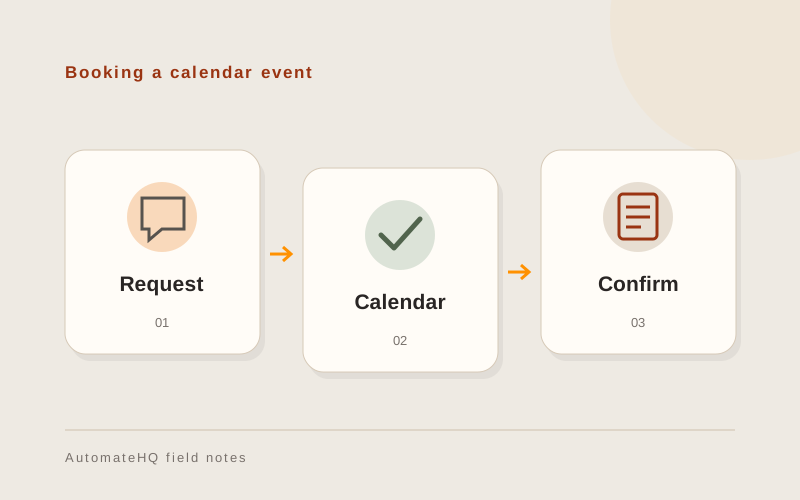
Consider an approved demo request that becomes a proposed meeting. Capture the attendee, timezone, duration and approval state before creating an event. Do not treat an enquiry as confirmation that the customer has accepted a time.
For Singapore and Thailand teams, store an explicit timezone rather than a bare local hour. Show the time in the recipient's context and define what happens when an appointment is rescheduled or cancelled.
Check invitations and rescheduling
Use test attendees and a test calendar. Check creation, a repeated request, cancellation, access revocation and a missing attendee address. Keep the event identifier so updates affect the original event.
Check who receives invitations and notifications before enabling the live workflow. Creating an event can contact real people; your test should not accidentally invite customers.
Keep the event reference after booking
Store the calendar and event identifiers with the booking record. When someone changes a meeting, the owner needs to find the original event rather than create another invitation.
Leave instructions for reconnecting the calendar if access expires. Keep unsent invitations in a queue so the owner can review them before retrying.