
Integration guides
HubSpot automation: keep one reliable customer record
Plan HubSpot access, record matching and field ownership before connecting enquiries to your CRM.
By AutomateHQ · Updated · 2 min read
Before you start
Define how you identify an existing record and which system owns each field. Then choose the supported authentication method and minimum permissions for your integration.
- 01Define the task
- 02Connect safely
- 03Test exceptions
- 04Assign an owner
Choose the records the integration can change
HubSpot supports different app and authorisation models. Its documentation now distinguishes legacy private apps from newer app development options, so check the current path that fits your account and use case.
List the objects and actions the workflow needs. Reading a contact, updating a deal and changing ownership are separate requirements; broad access should not be the default.
Match enquiries to existing contacts
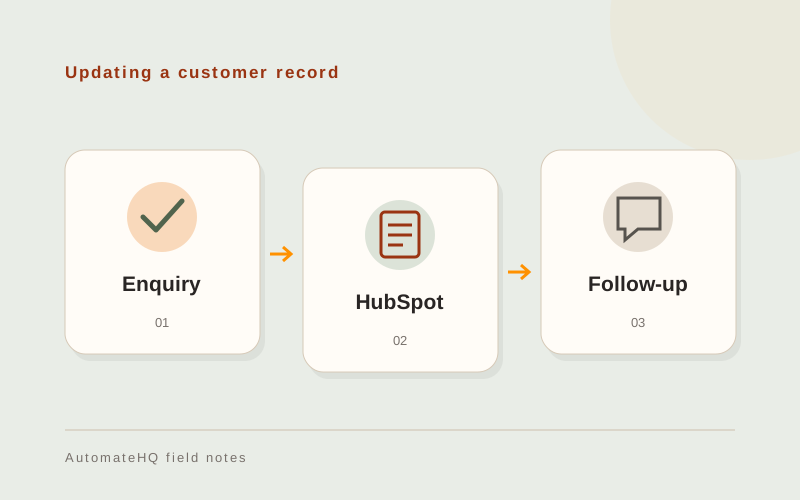
A website enquiry might create or update a contact and open a task for the relevant owner. Decide how to handle a shared email address, an existing lead and a request from a current customer.
Set field ownership explicitly. If the sales team edits a lifecycle stage, a later spreadsheet sync should not silently overwrite that decision with an older value.
Test repeated submissions and partial failures
Test an existing contact, missing email, repeated submission and a partial failure after the contact is created. Make retries continue the incomplete work rather than creating another deal.
Review who can see the new records and whether the workflow triggers any existing CRM emails or automations. A data update can have consequences beyond the field being changed.
Make field ownership part of the handover
List which fields the integration may change and which belong to the sales team. The person maintaining a sync needs to know whether an incoming value can replace a manual correction.
Keep the source request and CRM record identifiers together. When a run fails halfway through, those references help the owner finish the missing task without duplicating the contact.