
Integration guides
Notion automation for shared task records
Plan Notion connection access, page ownership and structured tracking for business workflows.
By AutomateHQ · Updated · 2 min read
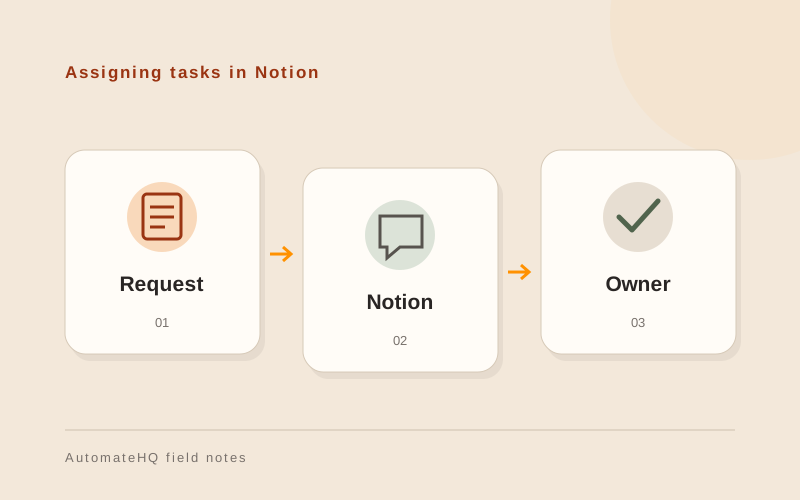
Before you start
Give the connection access to the content it needs and define the properties the workflow expects. Keep a stable link between the source request and the Notion record.
- 01Define the task
- 02Connect safely
- 03Test exceptions
- 04Assign an owner
Grant access to the required content
Notion's authorisation guide distinguishes connection types and their access models. Choose the appropriate model and explicitly grant access to the relevant content; a connection does not automatically mean every workspace page is available.
Document the destination structure. A renamed property or changed option can break a workflow even when the authentication still works.
Create a task with an owner and source link
A reviewed enquiry could become an internal task with an owner, status and source link. Keep free-text context separate from fields used to drive actions.
If a status change starts another process, define which statuses count and who is allowed to change them. Avoid treating a draft page as an approved instruction.
Test changed properties and archived pages
Test missing content access, a changed property, duplicate input and an archived destination. Confirm that a failure appears in a queue someone checks.
Review page visibility after creation. A convenient team workspace may include more people than should see a particular enquiry.
Treat property changes as workflow changes
Name an owner for the destination page or database. Before changing a property, that owner should check which connections depend on it.
Keep failed requests outside the destination until the team resolves the error. Record the source reference so a retry can distinguish a new task from one already created.