
Integration guides
Twilio messaging automation: plan delivery and replies
Build a messaging workflow around consent, credentials, delivery status and a route back to a person.
By AutomateHQ · Updated · 2 min read
Before you start
A messaging workflow needs more than credentials. Define who may receive each message, what triggers it, how delivery failures are handled and who answers replies.
- 01Define the task
- 02Connect safely
- 03Test exceptions
- 04Assign an owner
Choose the sender and protect credentials
Twilio's security guidance covers secure connections, credentials and request validation. Keep authentication details server-side and validate incoming requests using the supported mechanism for your integration.
Choose the channel and sender for the actual use case. Review the current provider and destination requirements before enabling customer messaging; a test setup is not evidence of production readiness.
Send reminders that stop after cancellation
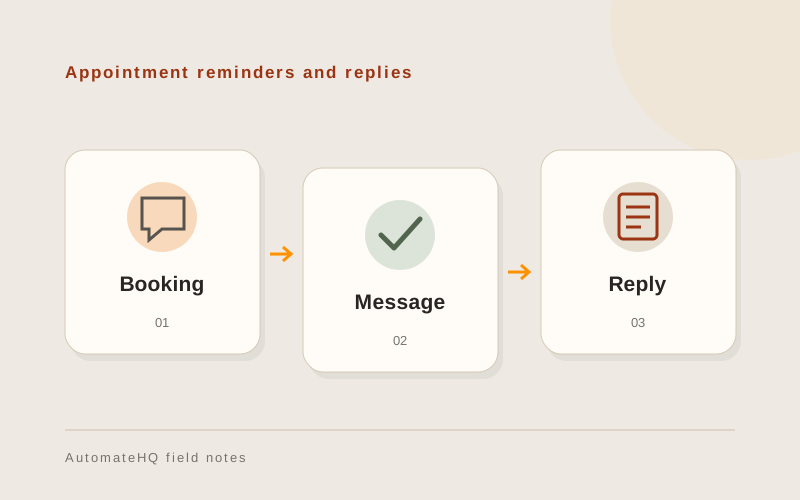
An appointment reminder can be triggered by an approved booking and stop when the appointment is cancelled. Store the message's relationship to the booking so a repeated event does not create another reminder.
Define an escalation route for a reply that needs a person. Do not create an automated reminder process that leaves customers replying to an unattended channel.
Check delivery failures and replies
Test a changed appointment, invalid recipient, delivery failure, duplicate trigger and customer reply. Check the behaviour when the messaging provider is temporarily unavailable.
Review consent and opt-out handling for the intended use. Keep tests to controlled recipients until the business owner approves live messaging.
Keep replies assigned to a person
Write down who monitors replies and what happens outside working hours. Customers need a response when a reminder brings up a problem with their booking.
Keep a record of attempted sends and delivery updates. If a request times out, investigate the provider record before sending the same reminder again.